

Promokit AI Agent (pkaiagent)
Overview
Promokit AI Agent integrates a third-party chat/assistant (Tidio.com) into the storefront and provides lightweight visitor identification so the assistant can receive contextual information (visitor id, cart, product and customer data).
Configuration
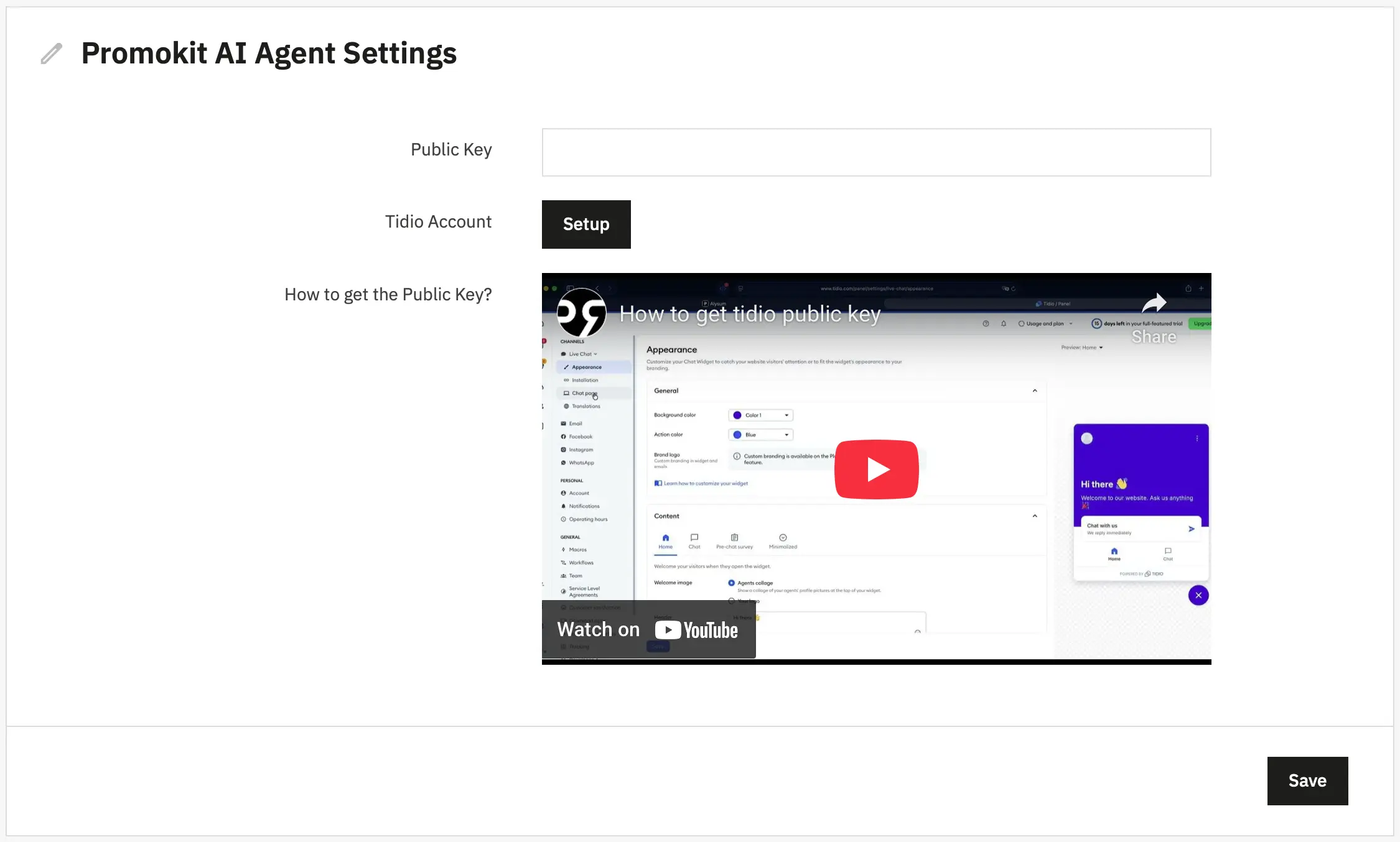
- Public Key — the module setting that contains the Tidio widget key/identifier. To get the Public Key you have to login to your tidio panel. Navigate to the Chat Page, and find the code in the Chat Page URL
How to get the Public Key:
Defaults are read from config/default.json and persisted in the module DB (DB key in src/Db/Db.php).
Used Hooks
The module uses the following hooks:
displayHeader— injects thepkaiagentJS config and registers scripts. If nopublic_keyis configured, it registers only the module stylesheet (views/css/styles.css).displayFixedBottomRight— renders a small button (viaviews/templates/hook/button.tpl) to place the assistant on the page.
Frontend behaviour (JS)
views/js/scripts.js performs these tasks:
- Builds a JS config object with
public_key(app key),user_id,user_id_pretty, andexchange_rate, plus customer info when available. This object is exported aspkaiagentviaMedia::addJsDef. - Loads the Tidio script from
https://code.tidio.co/<PUBLIC_KEY>.jsonly when apublic_keyis present. - On Tidio ready, it prepares
visitorDatacontaining page meta (type, title, description), cart summary, customer info (logged status, email, name), and product or category info when applicable (extracted from JSON-LD when available). - Sets visitor data (
tidioChatApi.setVisitorData) and custom styles for the chat button.