

Performance
The settings below are recommended for use in a production environment.
Smarty settings
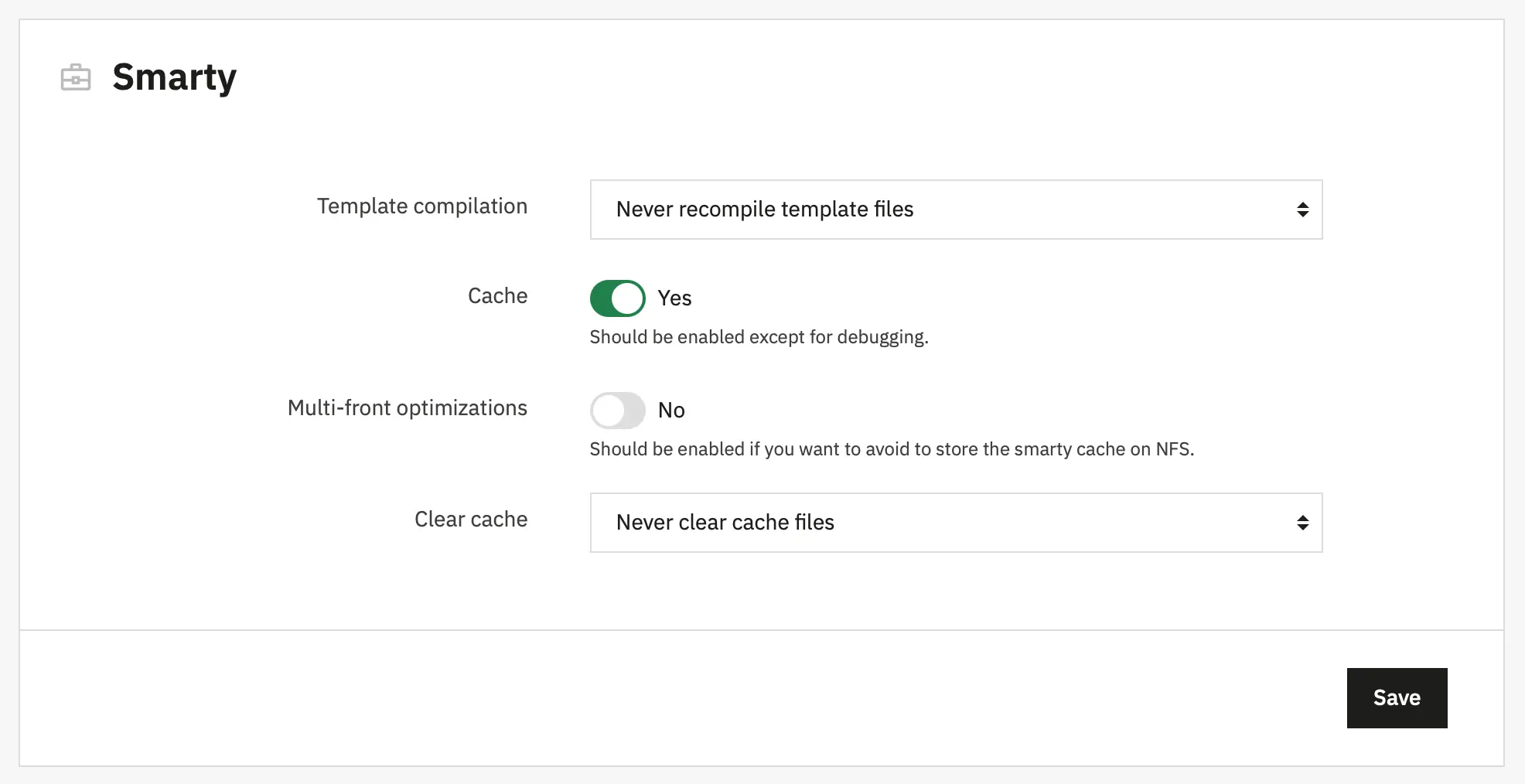
Template cache- "Never recompile template files". This setting prevents PrestaShop from checking and recompiling template files on every request, improving performance.Cache- "Enabled"Clear cache- "Never clear cache files". Do not check if a file has changed, which improves performance
Debug settings
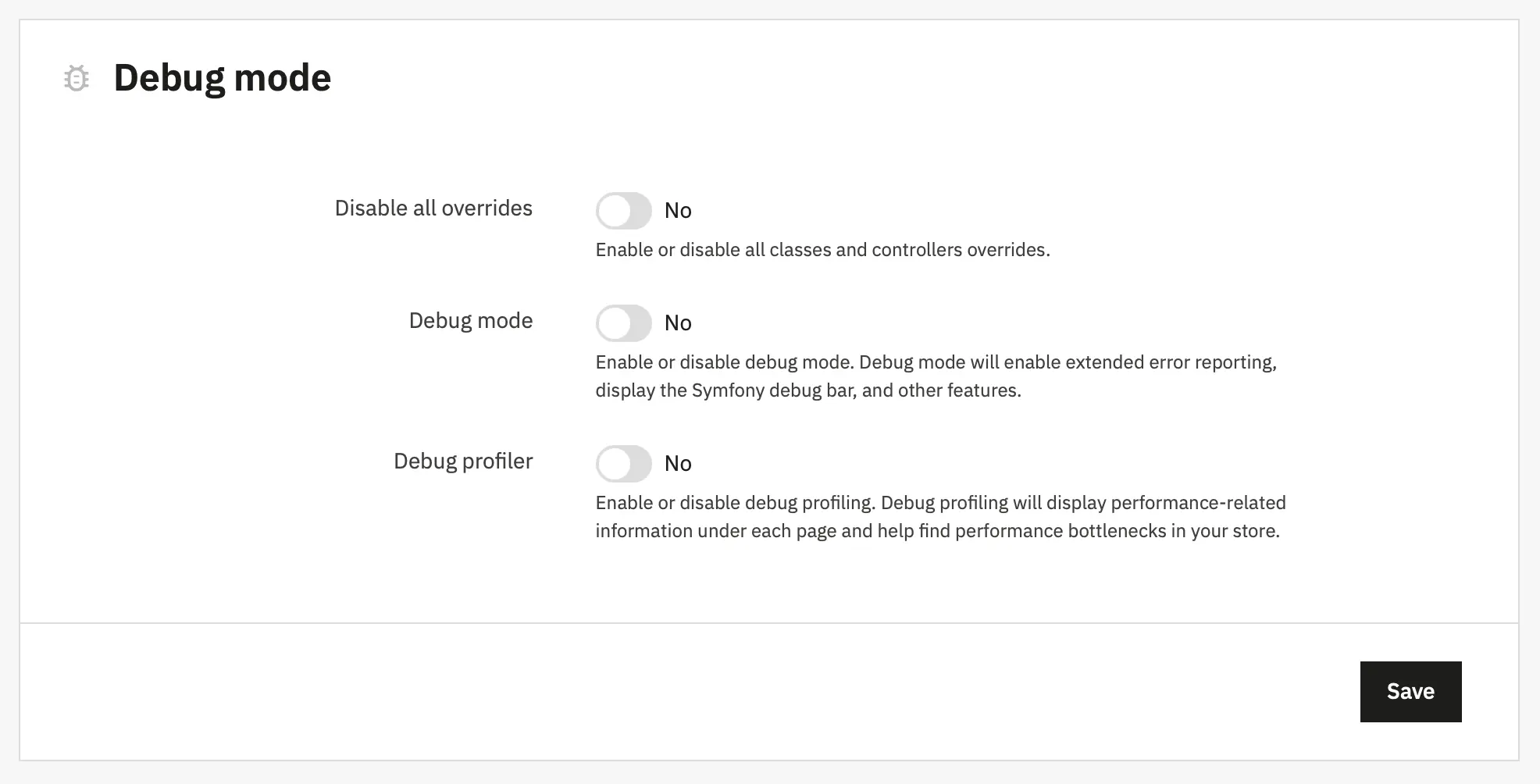
Debug Mode- No.
By enabling this option, technical error messages will be visible. It is useful when you are being helped by someone who does not have access to your shop but who needs to know what is going on technically.
Media. Combine, Compress and Cache (CCC)
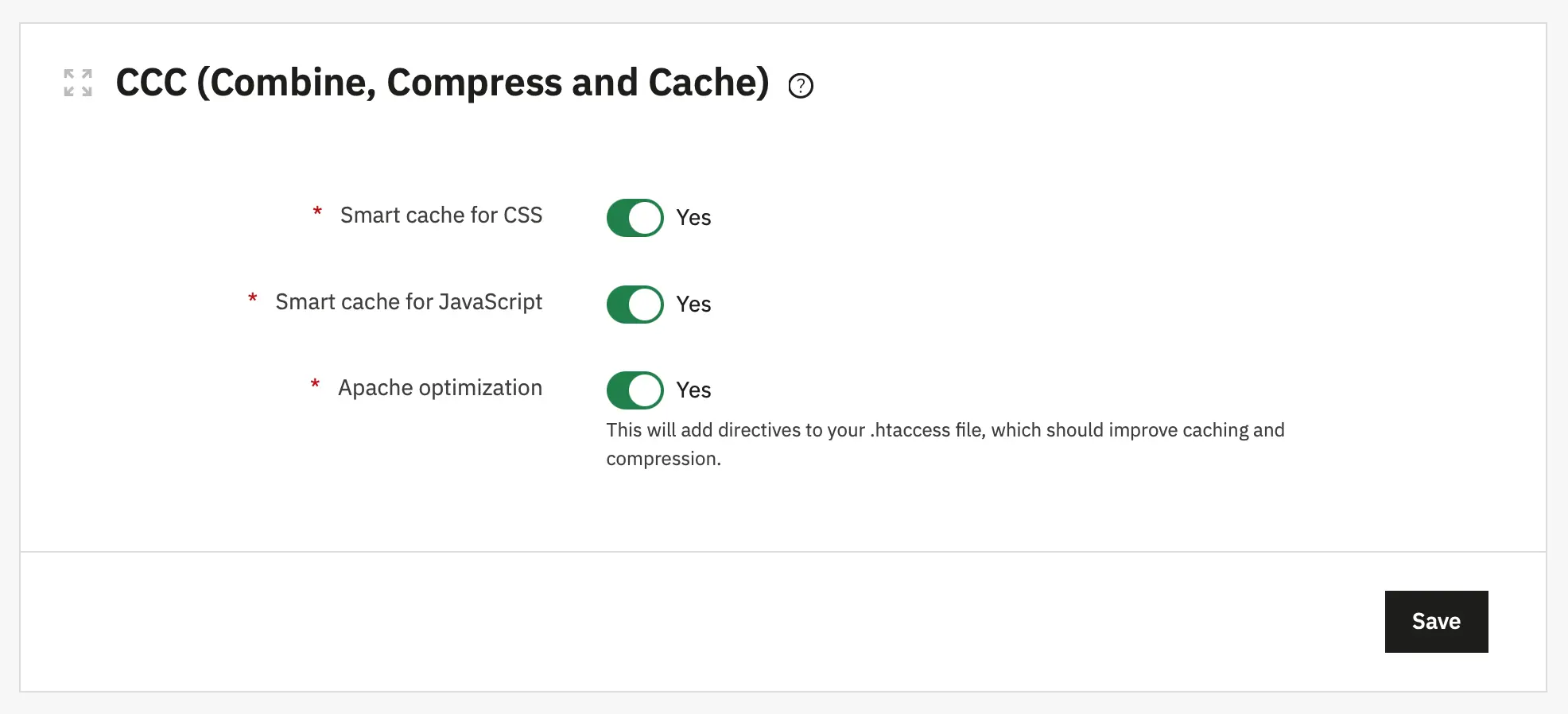
Smart cache for CSS- On. Combine and compresse CSS filesSmart cache for JavaScript- On. Combine and compresse JS filesApache optimization- On. This setting will change your web server's configuration file in order to make it more efficient for CCC.
Technical details
Performance detailed description