Requirements
To install the theme, you must have a working version of PrestaShop already set up. For detailed instructions on installing PrestaShop, please refer to the Prestashop Documentation
PHP configuration
PHP version: min 7.4 for PS8. min 8.1 for PS9memory_limit: should be at least 256M (512M recommended)post_max_size: should be at least 1Mfile_max_upload_size: 16Mallow_url_fopen: ONallow_url_include: OFFregister_globals: OFF
Apache modules
mod_rewrite: ONmod_security: OFFmod_auth_basic: OFF
Must-have PHP extensions
CURLThe Client URL extension is used to download remote resources like modules and localization packages.DOMThe DOM extension is needed to parse XML documents. PrestaShop uses it for various functionalities, like the Store Locator. It is also used by some modules, as well as the pear_xml_parse library.FileinfoThe File information extension is used to find out the file type of uploaded files.GDThe GD extension is used to create thumbnails for the images that you upload.IconvThe ICONV extension is used to convert character sets.IntlThe Internationalization extension is used to display localized data, such as amounts in different currencies.JSONThe JSON extension is used to manage JSON format.MbstringThe Multibyte string extension to perform string operations everywhere.OpenSSLThe OpenSSL extension is used to improve security.PDOThe PHP Data Objects extension is used to connect to databases.PDO (MySQL)The PDO_MYSQL driver is used to connect to MySQL databases.SimpleXMLThe SimpleXML extension is used to manage XML files.ZipThe Zip extension is used to expand compressed files such as modules and localization packages.
Permissions
- Permissions for all
filesshould be set to644 - Permissions for all
foldersshould be set to755
How to Ensure Your Server Meets PrestaShop’s Requirements
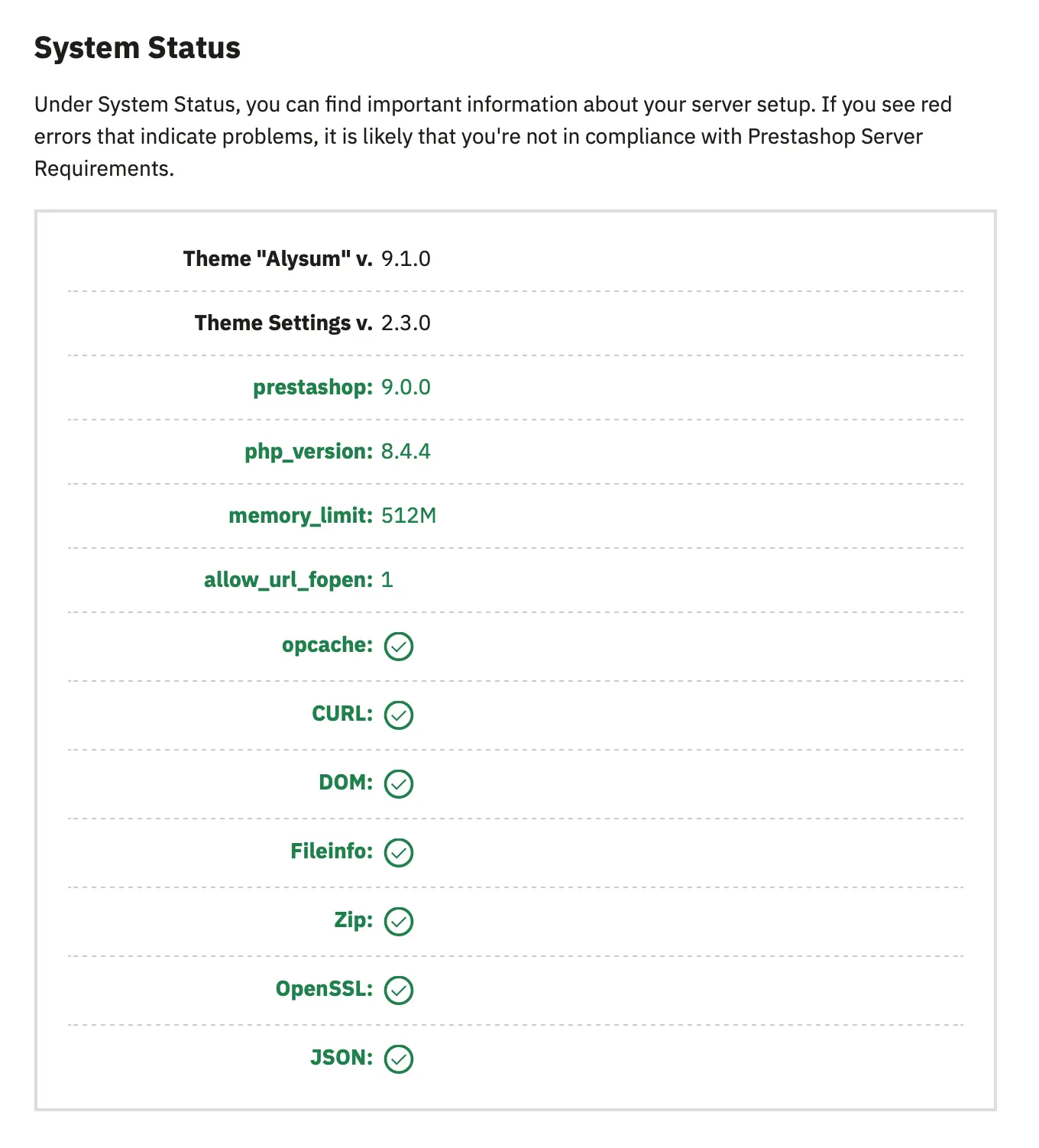
1. If you have already installed the Alysum theme, navigate to the Theme Settings → Welcome tab and check the System Status
2. You can use Prestashop's official system requirements tool to easily check if your environment fulfills PrestaShop’s requirements. Here’s how:
- Download the latest version from GitHub.
- Extract the zip file.
- Upload the
phppsinfo.phpfile to your server and put it inside your current shop’s directory or the one where you intend to install it. - Open it up on your browser (
http://your-domain.com/phppsinfo.php). - Type in the login and password if prompted (use
prestashopfor both).
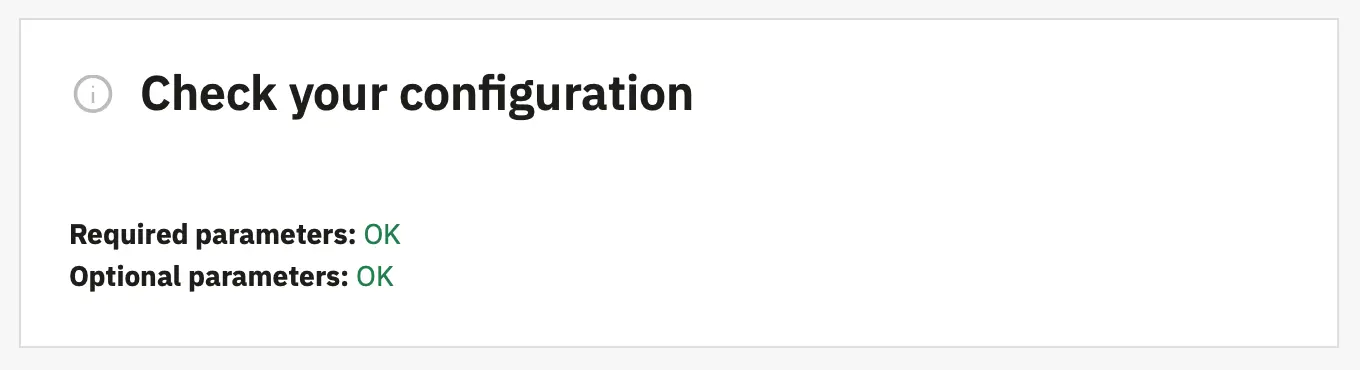
3. Please also check the Information section under Advanced Parameters in your BO. All parameters should be marked as OK as shown below: