
Theme and Modules Translation
Translation Catalog
Translation CatalogOn that page you will be able to find translation domain like this "Modules.Pkelements.Shop". That means the phrase belongs to the module Pkelements and available to translate in the Modules → Pkelements.
General overview
The main tool on the Translations page is found in the Modify translations section.
There, you can add translations and fully customize any text as needed. To access it, go to International → Translations.
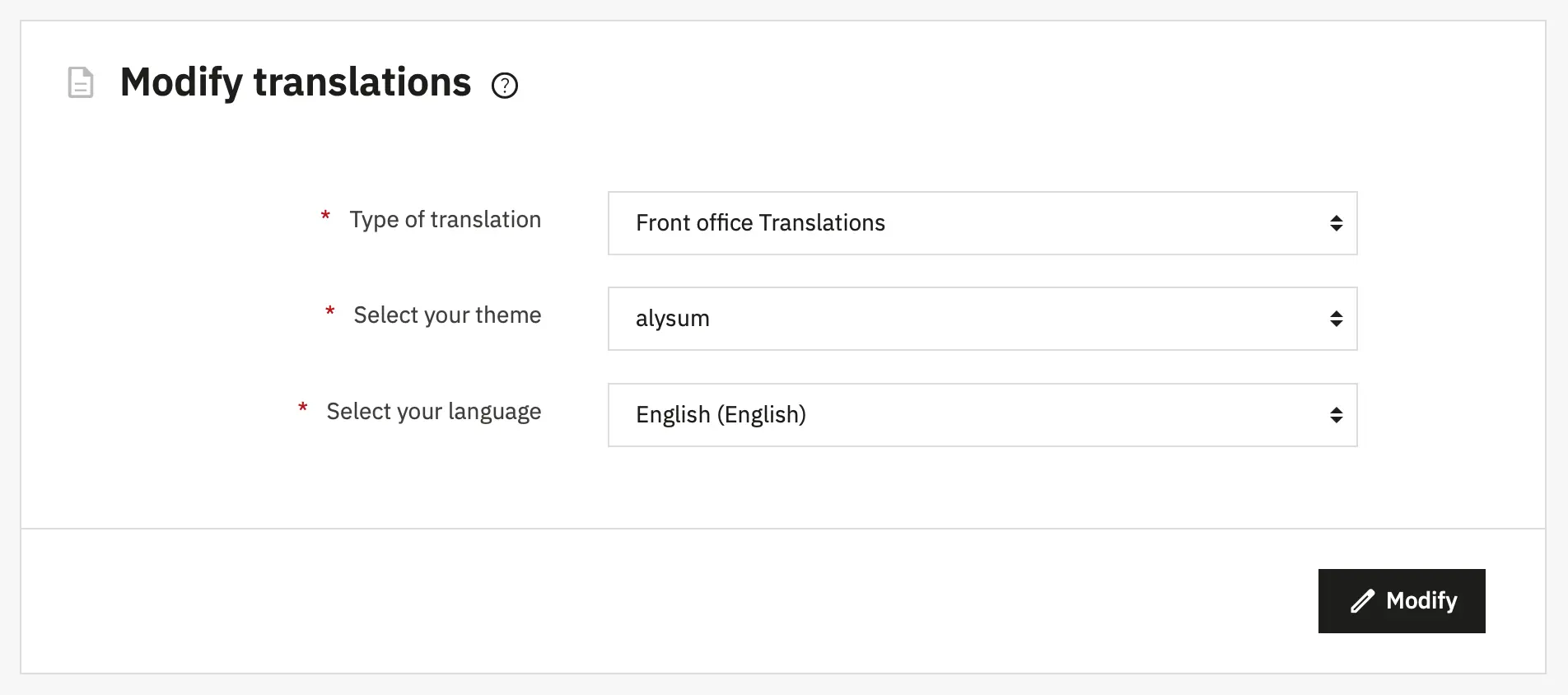
Select the section of the current translation you wish to edit:
Back Office Translations: Text visible to you and your team in the store’s administration panel.Theme Translations: Text visible to customers while browsing your store.Installed Modules Translations: Content from installed modules. Modules that are available but not installed won’t appear.E-mail Translations: Terms used in the default email templates.
Modules translations
To translate a specific module, select Installed modules translations, then choose the module you want to edit.
This will open a new page displaying all translatable content and available strings for that module.
Form Fields Translations
- Navigate to
Localization→Translations. - Under
Type of translationselectField name translations. - Under
Your languagechoose the language you want to modify.