

Promokit Front Panel (pkfrontpanel)
Overview
Display a small "What’s New" front panel / sidebar with an external HTML page loaded inside an iframe. The module shows a fixed button and a sidebar for desktop (disabled on tablet/mobile by default).
The module gives you an opportunity to:
- Inform customers about new arrivals and trends
- Display guides or extra information in an accessible sidebar
- Highlight complementary items or accessory recommendations
Configuration
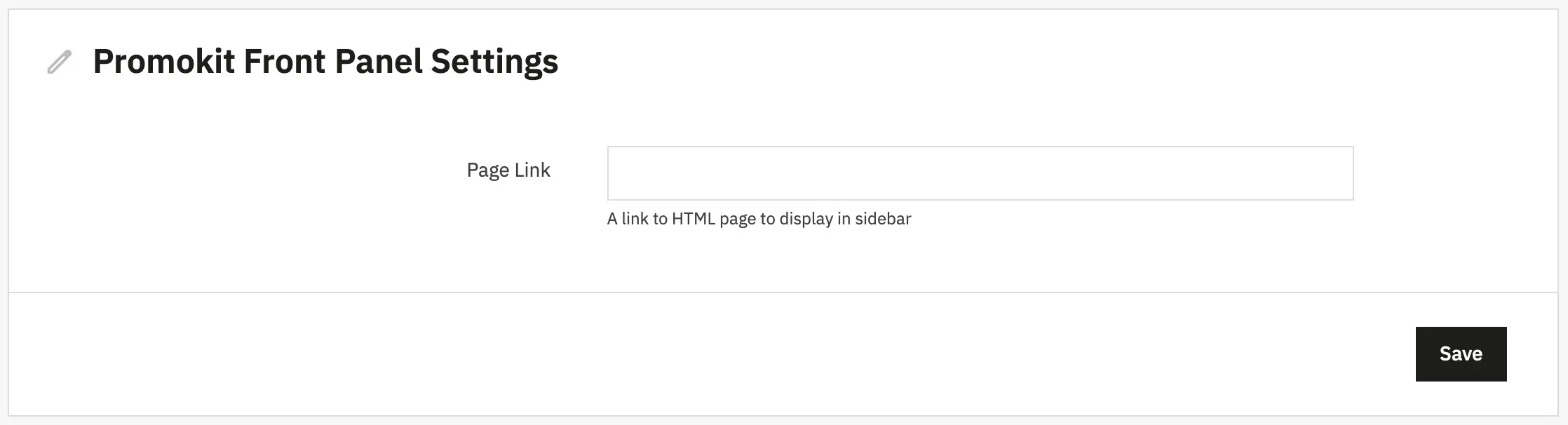
url: URL of the HTML page that will be loaded into the sidebar iframe. Default in this distribution:https://alysum.promokit.eu/promokit/alysum-changelog.html.
The module uses the PKFRONTPANEL_CONFIG DB key to store its configuration.
Used Hooks
displayHeader: registers frontend CSS/JS and exposes the module config viaMedia::addJsDefunderpkfrontpanel.displayFixedBottomRight: renders the fixed button.displayBeforeBodyClosingTag: renders the panel content.
Display Rules
- The module renders only on the
indexpage and when the device is not tablet or mobile (seeisActive()logic in the module class).