

Promokit Size Guide (pksizeguide)
Overview
Promokit Size Guide allows you to create and manage reusable multilingual product size guides and attach them to products. Guides can include an image (measuring tips), multilingual description, and per-product selection. The module provides admin UI for creating guides and integrates with product forms so you can choose a guide per product.
Configuration
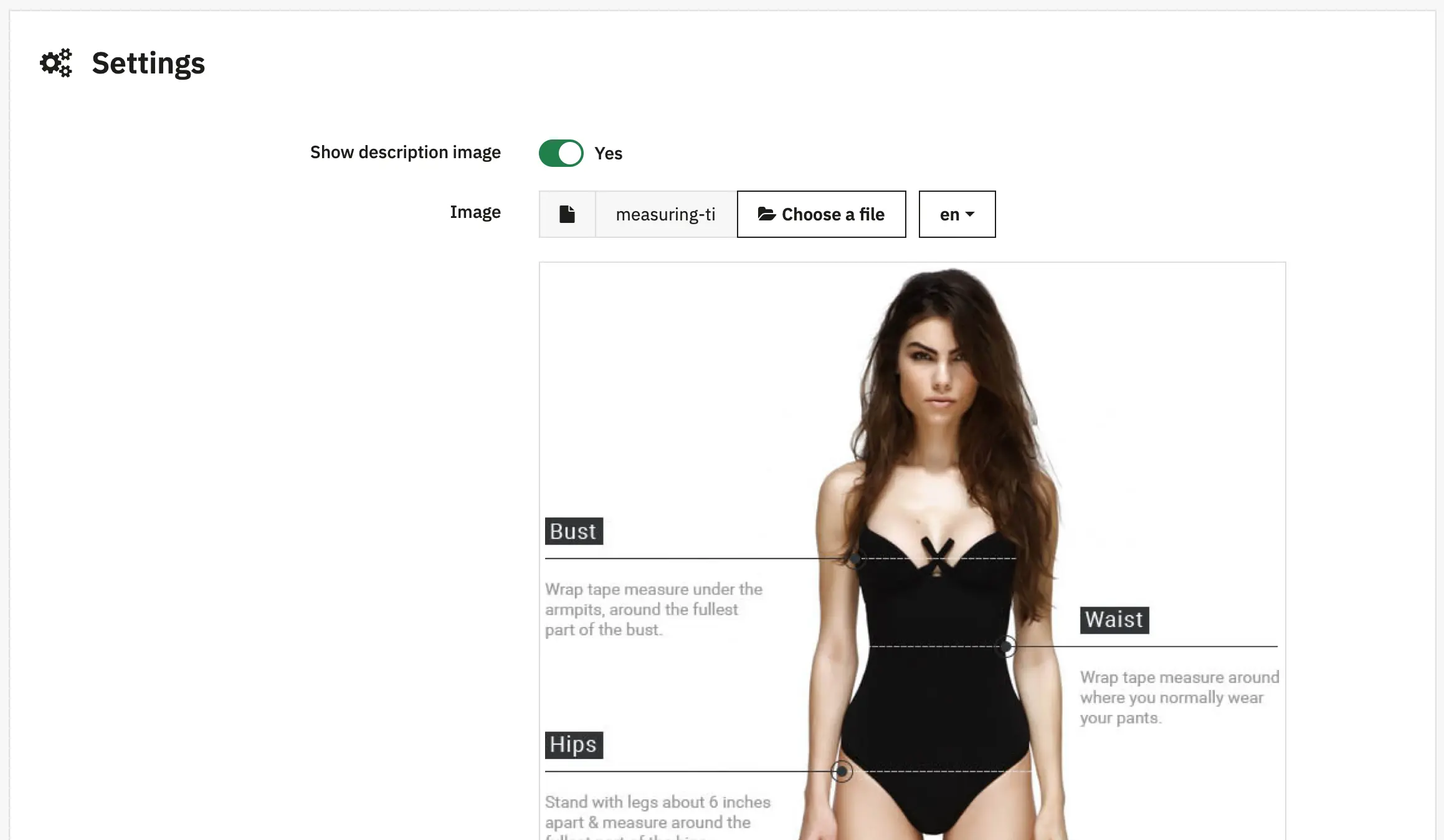
Show Description - Display the size guide description text on the product page
Image - Upload a measuring tips or reference image for the size guide
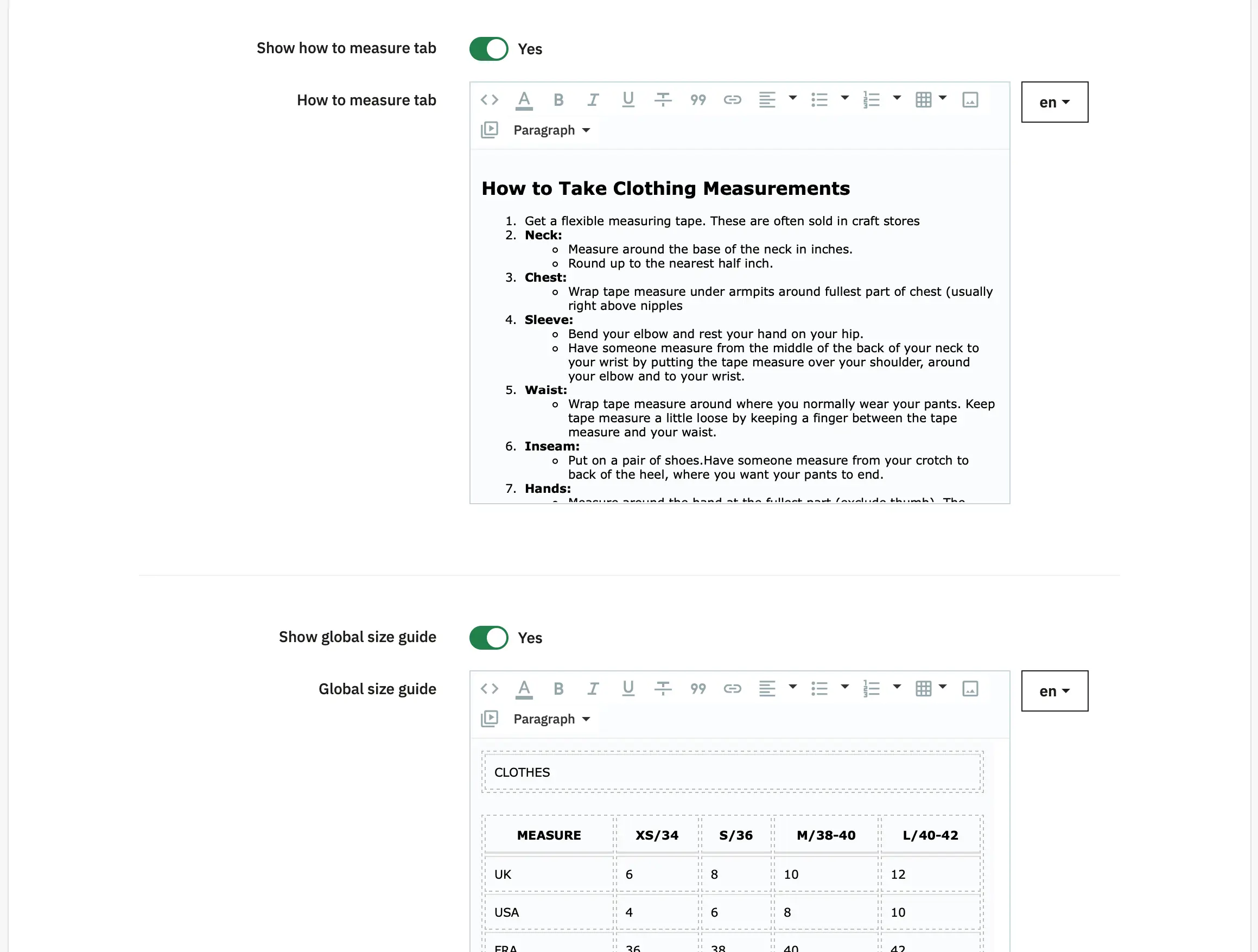
Show "How to measure" tab - Enable a dedicated tab with measurement instructions
"How to measure" tab content - Add multilingual instructions on how customers should measure themselves
Show "Global Size Guide" - Display a global size guide visible across all products
"Global Size Guide" content - Define the global size guide content for all products
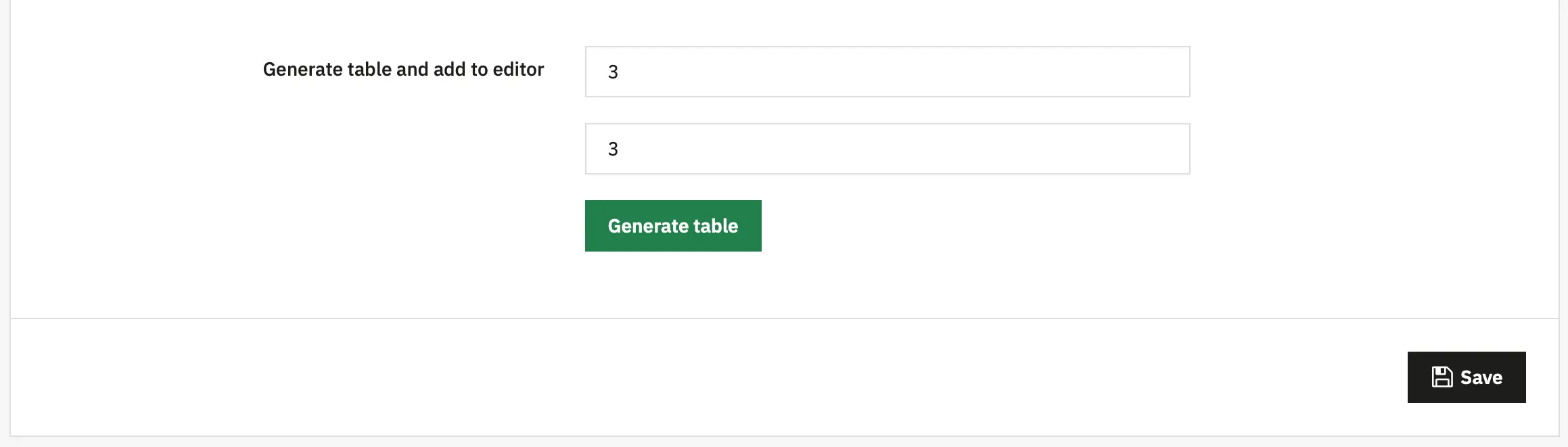
Generate table in editor - Automatically generate a size chart table in the rich text editor for easy formatting

Manage Size Guides - Access the admin interface to create, edit, and delete size guides
Hooks used
displayHeader— loads frontend JS/CSS and executesUtils::executeHookwrapper (module exposes JS config and assets via this hook).displayGuide— primary frontend hook that renders the guide template.actionProductFormBuilderModifier— integrates a product form modifier.actionBeforeUpdateProductFormHandler— handles form submission for the new product form flow.actionProductDelete— cleans up references when a product is deleted.actionUpdateQuantity/actionValidateOrder— clear module cache when stock or order actions occur.
Using hooks in Smarty templates
- The module exposes the
displayGuidehook. To include a guide in a theme template directly, call:
{hook h='displayGuide'}This prints the configured guide(s) via the pksizeguide.tpl template. Typically the theme will call the hook where you want the guide to appear (product page).
Behaviour
- When a guide is attached to a product, the module will render the associated guide content (description, image) in the
displayGuidehook. - Guide images are uploaded per-language and stored under the module upload folder (
views/assets/images/).