

Facebook Bundle (pkfacebook)
Facebook bundle gives you the most popular Facebook features in one module. Available options: Facebook Comments, Facebook Chat, Facebook Login, WhatsApp Chat.
General
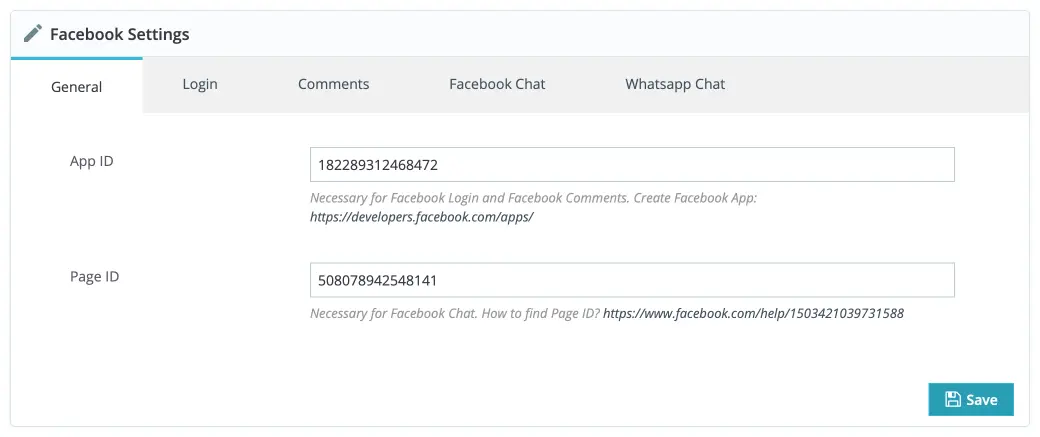
In the General tab you must add two keys necessary to make the module work:
- App ID — the ID of your Facebook Application. Used by Facebook Login and Facebook Comments. Register an application at https://developers.facebook.com and use the created App ID here.
- Page ID — the ID of your Facebook Page (used by Facebook Chat). If you don't have a page yet, create one and get your Page ID via a service like https://findmyfbid.com.
Login
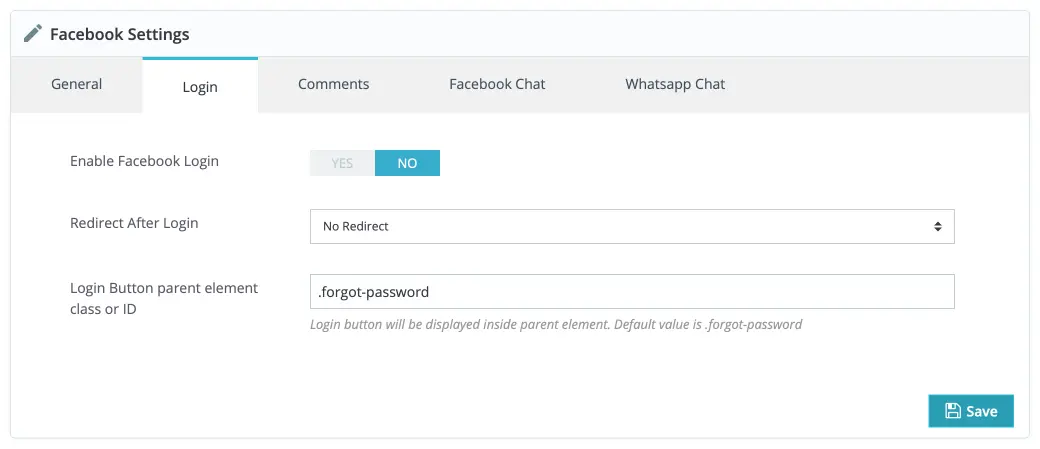
- Login Button Parent Element — specify the CSS class or ID of the element in your theme where the Facebook Login button should be displayed. Add that selector in the module settings so the module can inject the login button into the correct place.
Comments
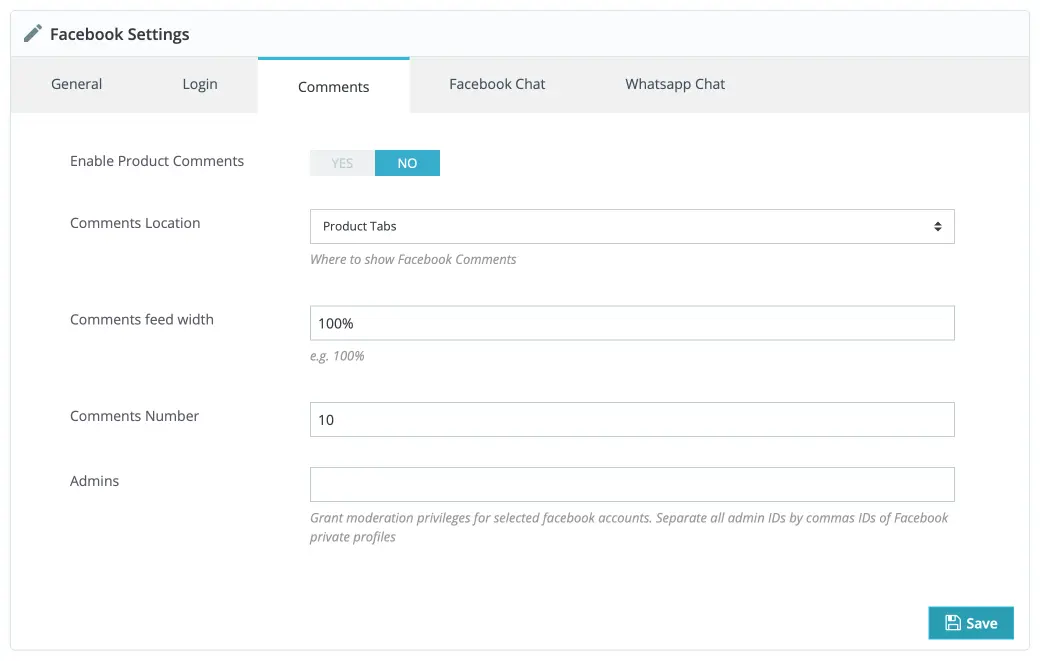
- Comments Location — Product Comments can be displayed either inside Product Tabs or at the bottom of the page in the Product Footer. This option controls placement and the module uses these hooks for the chosen location:
displayFooterProduct,displayProductExtraContent. - Admins — Grant moderation privileges to Facebook accounts by providing their Facebook profile IDs (comma-separated list).
Facebook Chat
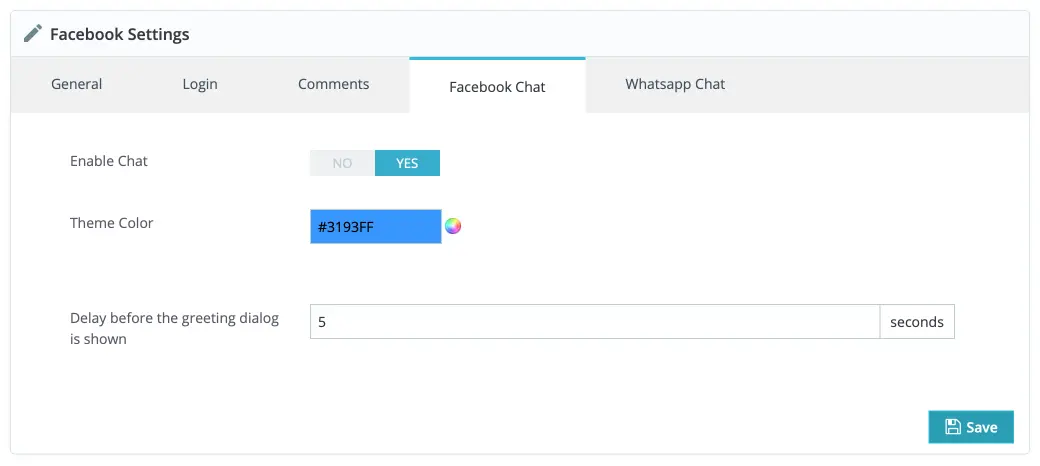
- Manage Facebook Chat behavior and appearance.
- Delay before display — number of seconds to wait after the plugin loads before showing the greeting dialog (useful to avoid being intrusive).
WhatsApp Chat
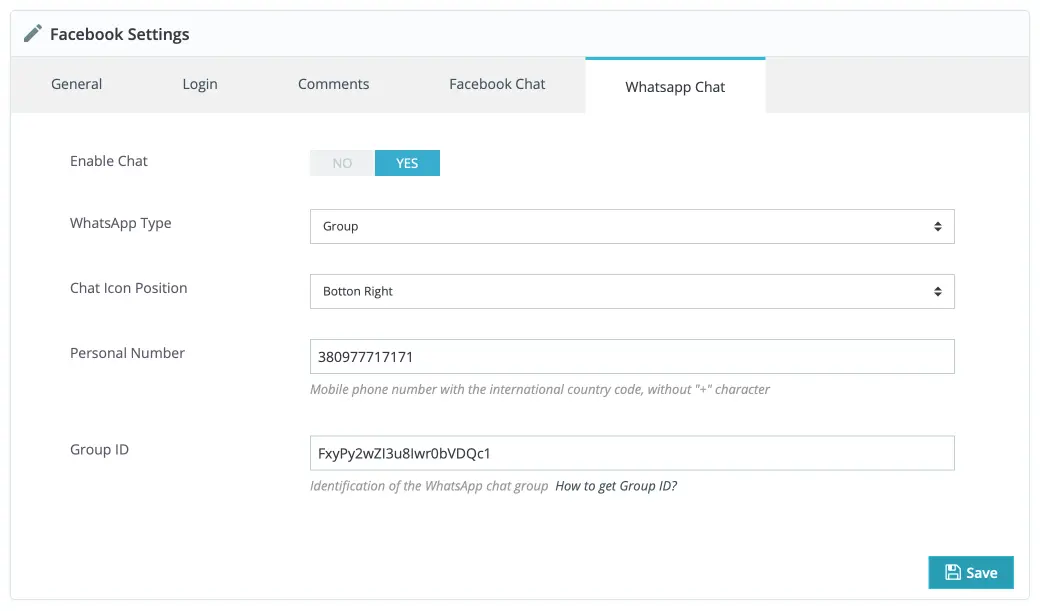
- Necessary hook for WhatsApp Chat:
displayBeforeBodyClosingTag.
Options:
- WhatsApp Type — choose between
GroupandPersonal. - Personal Number — when
Personaltype is chosen, add your phone number. - Group ID — when
Groupis chosen, add your Group ID. (See: https://medium.com/clicktochat/whatsapp-group-id-162d8101073c for how to find the ID.)
Used Hooks
displayHeaderdisplayFooterProductdisplayFixedBottomLeftdisplayProductExtraContentdisplayBeforeBodyClosingTag
Troubleshooting
"Refused to display in a frame" / Content Security Policy errors
If you see an error like "Refused to display in a frame because an ancestor violates the following Content Security Policy directive:" in the browser console, try the following:
-
Whitelisted Domains — add your domain to the Facebook Page whitelisted domains: https://developers.facebook.com/docs/messenger-platform/reference/messenger-profile-api/domain-whitelisting/#page_settings. If you used third-party tools that previously edited page settings, re-check the whitelist.
-
Facebook Page Visibility — ensure the Facebook Page is publicly visible and not restricted by age or country. If restrictions are applied, the chat may only show to logged-in users who meet those restrictions.
-
HTTPS — make sure your site is served over HTTPS. The plugin works best with HTTPS and some features may require it.
-
Cache — clear any caching layers (theme/plugin caches, PrestaShop cache) and test again in an incognito window.
-
Page ID — double-check the Page ID in the module settings is correct.